Honey, I Shrunk The Vids is an overengineered oversimplified system-agnostic frontend for FFMPEG. Built with assistance from Claude, but don't let that stop you reading - I'll explain why.
Predendum 6/MAR/26: Yes, I’m using genAI - specifically Claude - to help me build and improve this application. But, I believe I’m using genAI differently than the majority of projects. For one thing, I’m not blindly copy-pasting output and crossing my fingers that it works. I read the output, looking for things I know are wrong, and try to fix it; if I can’t, I ask what I’m doing wrong, and then I fix it. When I encounter errors, I’m reading the error output and if I know how to fix it I do it myself. I’m trying to actually learn, but I do that best by diving in and fixing the mistakes I make. I test informally* on the hardware I have available, which is two Windows PCs, and sometimes my friend with a 2016 Mac will do a test run for me to confirm stuff works. (*by "informally", I mean I don't write test cases. I know how, but they're repetitive and I hate them and I'm not doing it for my personal projects or I'll end up hating my hobbies.)
My goal in posting my projects is not to have other people audit my code for me, nor do I want kudos or approbation (except for any jokes you see. Those are all me). I’m posting what I’ve got when I’ve got it largely working, in case other people find it useful, and that’s it. I do hope that if people see something I could refactor or conventions I should be adhering to, they’ll drop me a (civil) note about it so I can keep it mind. I appreciate feedback and advice, but I’m not expecting it.
Thanks for reading, I hope you find HISTV useful!
This is a followup to a post I made yesterday, about a silly little Windows application I'd made for batch transcoding files. I wanted something that I could just dump my files onto without having to muck about with Handbrake or Tdarr - post here, for those curious: https://piefed.ca/c/selfhosted/p/568748/honey-i-shrunk-the-vids-a-windows-transcoding-frontend-for-ffmpeg
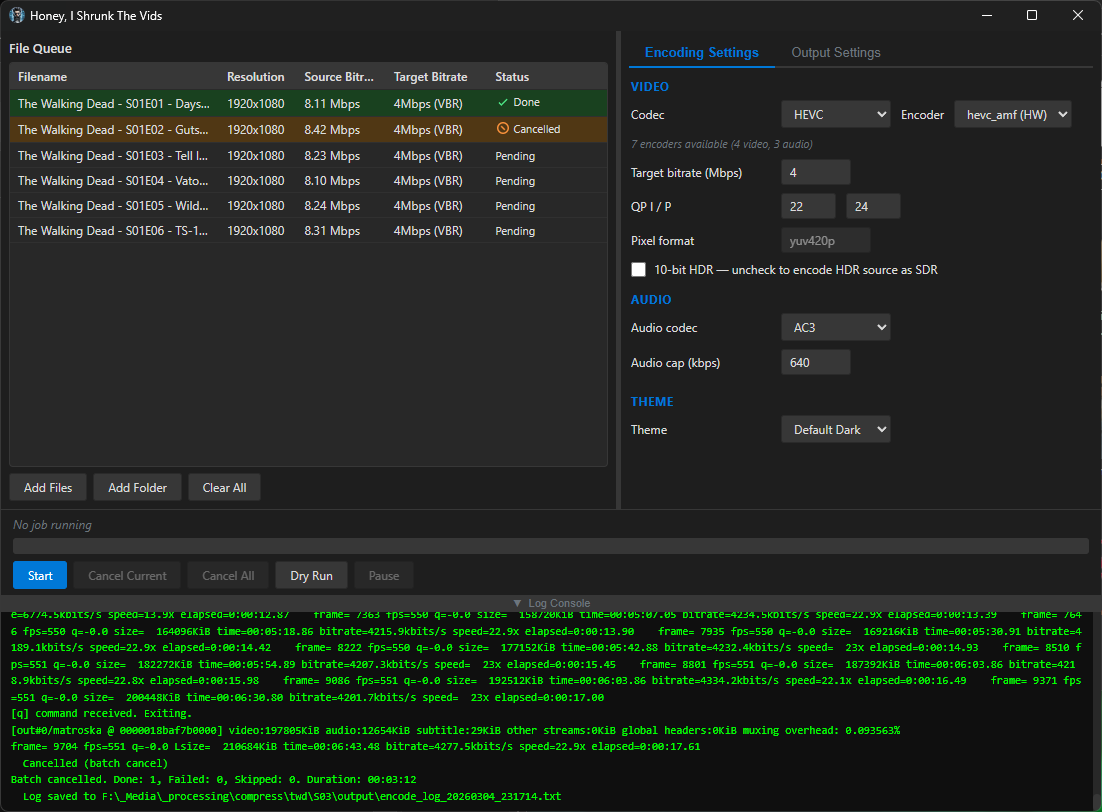
So I spent today making my silly little Windows application a silly little platform-agnostic application. I rewrote the whole thing in Rust and JavaScript with a webview frontend, and apparently Github lets you compile binaries for quite the range of target platforms, so I have compiled binaries available for Windows, Linux, and Mac (Intel/Apple Silicon). It's got a dark theme because of course and a light theme because I guess, also it's themeable because why the hell not. I'm pretty pleased with how it's coming along - if anyone decides to give it a go, please let me know if you find issues!
screenshots
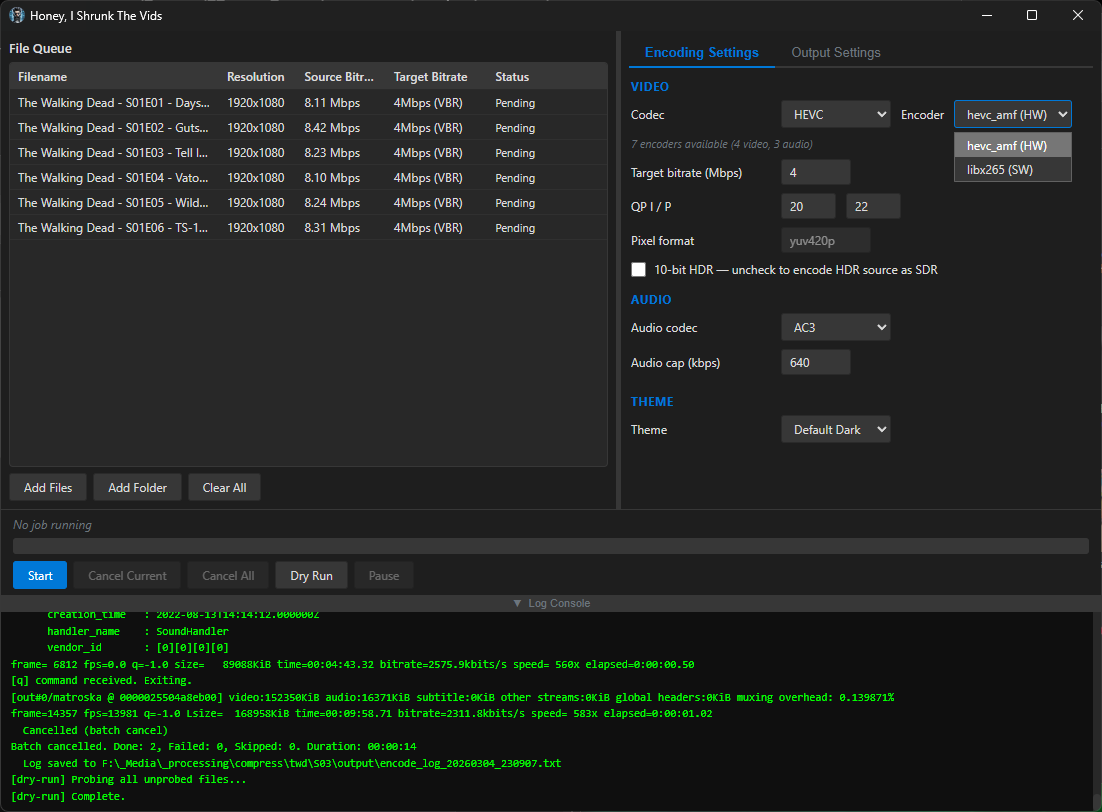
screenshots
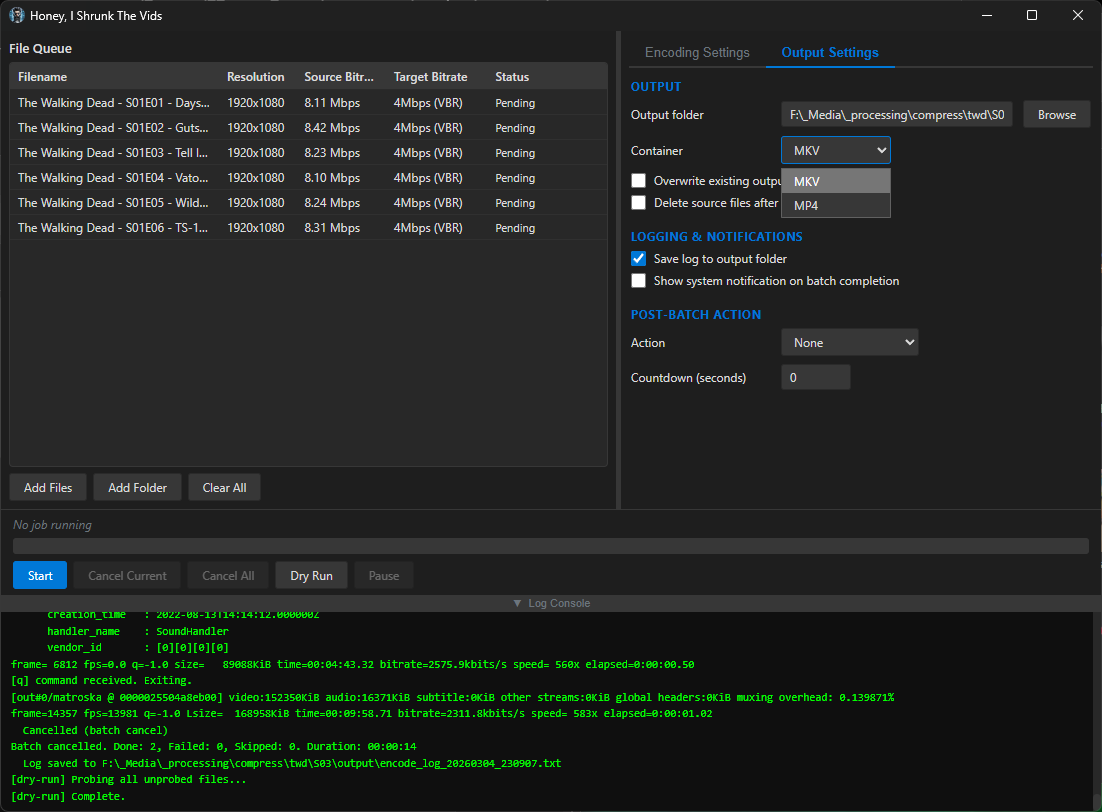
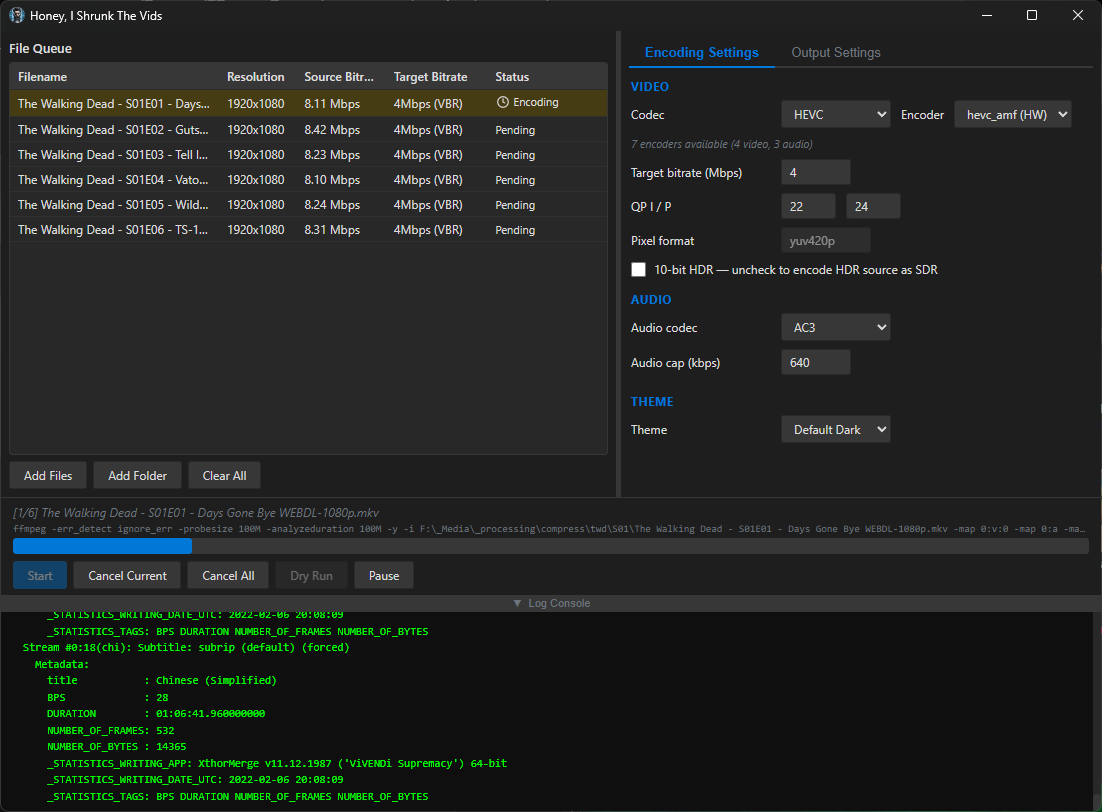
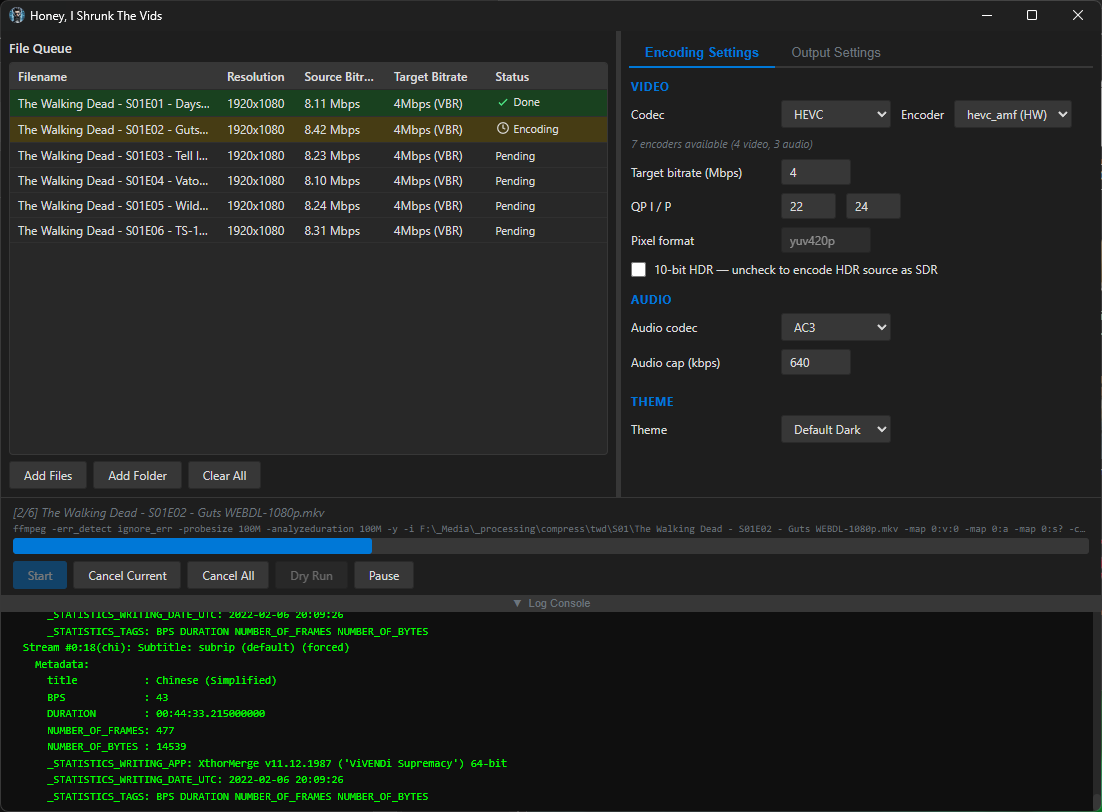
Compiled binaries can be downloaded at https://github.com/obelisk-complex/histv-universal/releases
All good! I'm actually enjoying talking about this thing with people who want to know more so I don't mind at all ^_^
So actually, that's exactly the issue I was running into! I'd run a batch command on a whole folder full of videos, but a handful would already be well-encoded or at least they'd have a much MUCH lower bitrate, so I'd end up with mostly well-compressed files and a handful that looked like they went through a woodchipper. I wanted everything to be in the same codecs, in the same containers, at roughly the same quality (and playable on devices from around 2016 and newer) when it came out the other end, so I implemented a three-way decision based around the target bitrate you set and every file gets evaluated independently for which approach to use:
1. Above target → VBR re-encode: If a file's source bitrate is higher than the target (e.g. source is 8 Mbps and target is 4 Mbps), the video is re-encoded using variable bitrate mode aimed at the target, with a peak cap set to 150% of the target. This is the only case where the file actually gets compressed.
2. At or below target, same codec → stream copy: If the file is already at or below the target bitrate and it's already in the target codec (e.g. it's HEVC and you're encoding to HEVC), the video stream is copied bit-for-bit with -c:v copy. No re-encoding happens at all - the video passes through untouched. This is what prevents overcompression of files that are already well-compressed.
3. At or below target, different codec → quality-mode transcode: If the file is at or below the target but in a different codec (e.g. it's H.264 and you're encoding to HEVC), it can't be copied because the codec needs to change. In this case it's transcoded using either CQP (constant quantisation parameter) or CRF (constant rate factor) rather than VBR - so the encoder targets a quality level rather than a bitrate. This avoids the situation where VBR would try to force a 2 Mbps file "down" to a 4 Mbps target and potentially bloat it, or where the encoder wastes bits trying to hit a target that's higher than what the content needs.
There's also a post-encode size check as a safety net: if the output file ends up larger than the source (which can happen when a quality-mode transcode expands a very efficiently compressed source), HISTV deletes the output, remuxes the original source into the target container instead, and logs a warning. So even in the worst case, you never end up with a file bigger than what you started with which is much harder to claim with a raw CLI input. The audio side has a similar approach; each audio stream is independently compared against the audio cap, and streams already below the cap in the target codec are copied rather than re-encoded.
But yeah everything beyond that was bells and whistles to make it easier for people who aren't me to use it haha.
I am 100% looking for more stuff I can build - let's talk about it!