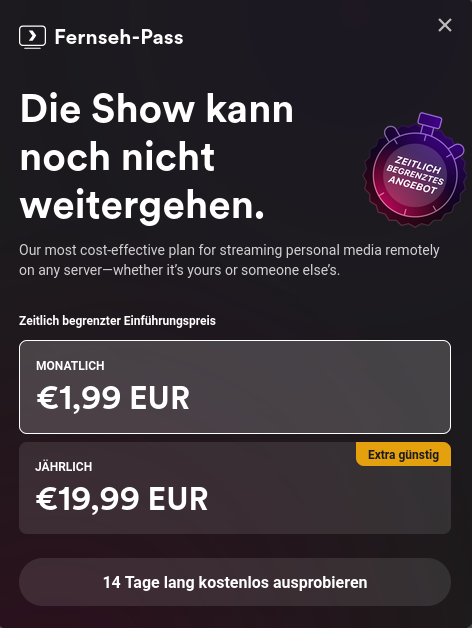
I tried testing a movie from my home server in plex through firefox and repeatedly got this message, even after reloading.
I knew that they had paywalled the apps on mobile and streaming from outside the network but now they have also blocked watching your own movies through your own hardware.
I do get the point that making software should be able to sustain people but I dont see the move of plex as a fair thing to do. Yes, they have made great software but taking your home server hostage feels like the wrong move.
Even a pop up that says "we need you to donate please" would have been fine. make it pop up before every movie, play donation ads before any movie but straight up disabling the app is kinda cruel.
Anyway, i have switched to jellyfin and it is insanely good. please give it a try. you can run it alongside plex with not issues (at least i had none) and compare the two.
In any case, good luck. Let me know if you need help.
As was stated on the first post you made about this, it's a dns or nat reflection issue.
Plex sees you accessing it through your external IP address, and not through your lan IP.
I had a similar problem, and had to roll back some nat changes I made, and now it's working fine again.
Meanwhile, free remote streaming works fine if you have a proper VPN setup. I just tested it, and was able to stream to my phone, through the Plex app, over my tailscale VPN, and I do not have Plex pass on the server or on my phone...
This sounds like a whole lot of convoluted bullshit to use Plex locally and "looking local" through VPN solutions when you could just roll a Jellyfin instance and do things a more straightforward way..
Yeah, but my wife and kid also use it, and they're not going to be happy if I change things.
I did not make a "first" or "second" post about this. This is it.