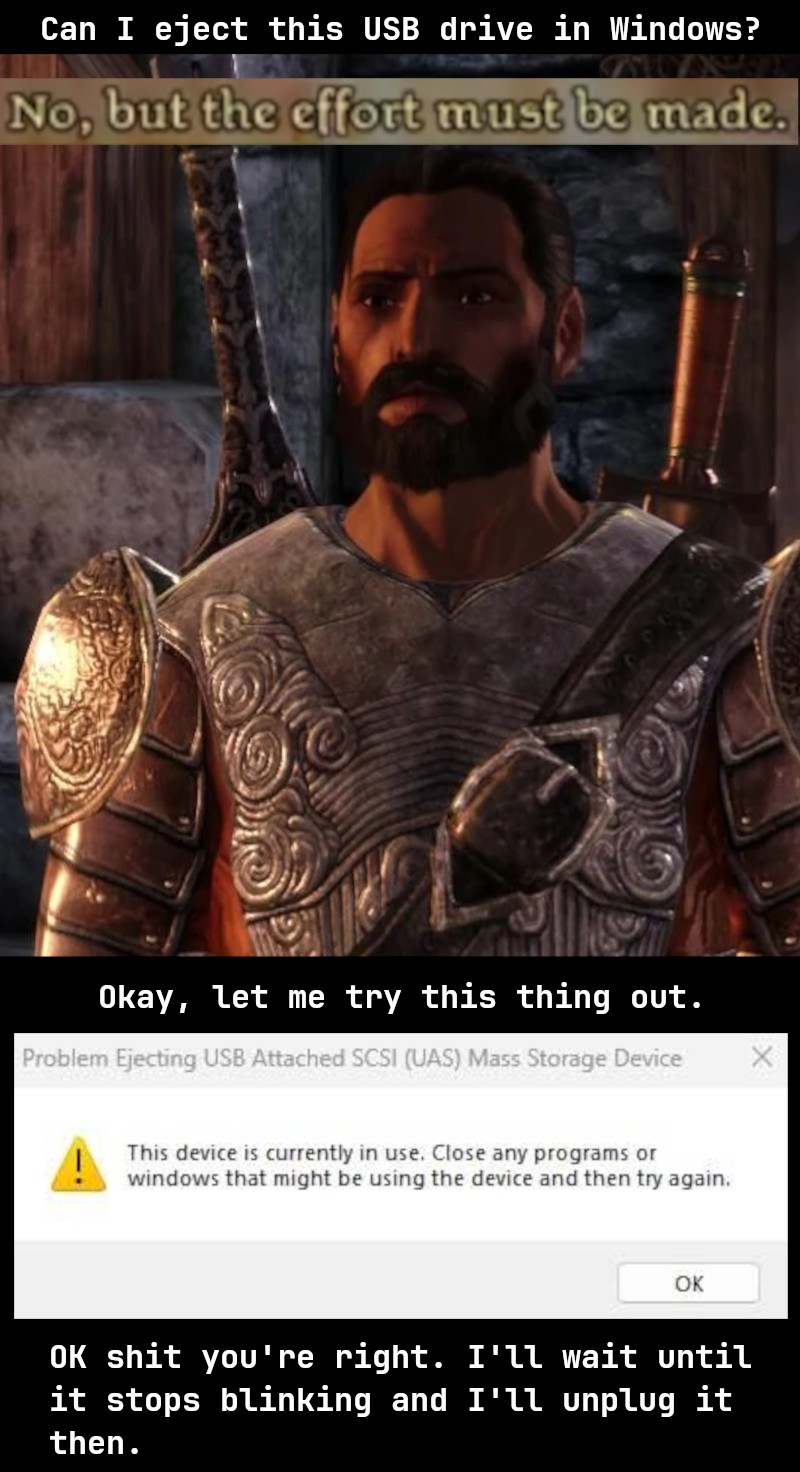
I wish the tool from Windows PowerToys for figuring out what's holding on to the drive came standard with the OS.
Welcome to Programmer Humor!
This is a place where you can post jokes, memes, humor, etc. related to programming!
For sharing awful code theres also Programming Horror.
I wish the tool from Windows PowerToys for figuring out what's holding on to the drive came standard with the OS.
It definitely should! The message of "close any programs that MIGHT be using this device" is so unhelpful, and it's been like this since at least Windows 2000, I believe.
Oh, it was the explorer! 😞
Wait what? PowerToys has something like that? What is it called? Since when does that exist?
You need to enable "File Locksmith" in PowerToys, then right click on the drive and select "What's using this file?".
Edit: I know it's existed for a few years at least, I'm not sure exactly when it was implemented.
Aha interesting… I was aware of its existence but I always assumed it had something to do with encryption due to its name…
This works great until your computer dies in the battle of Ostagar.
Ah ha ha! You card! I have already played it! ...oh shit, I've not yet played the Return to Ostagar DLC.
It is always those damn background processes… especially EA Games has a very annoying background process that takes more than a damn minute after closing the game to finally quit and let you eject your external disk.
Do not let the clanker tell you what you do. Pull that shit out, there definitely won't be any problems and you will not regret it.
It's usually fine if you were only reading files from the drive. If you were writing files, they may still be in the cache and not fully written to the drive yet, so pulling out the drive can corrupt the files.
if it's using my external drive without my knowledge, it's not important enough. let that mf burn
The reason for the warning is that it might corrupt the external drive’s file system. It’s not so much a threat to the application.
Get your resmon.exe on son
What is that?
Windows Resource Monitor, you can use it to find which programs are accessing your USB drive, preventing you from ejecting it.