this post was submitted on 28 Nov 2026
152 points (96.3% liked)
Programmer Humor
34328 readers
696 users here now
Welcome to Programmer Humor!
This is a place where you can post jokes, memes, humor, etc. related to programming!
For sharing awful code theres also Programming Horror.
Rules
- Keep content in english
- No advertisements
- Posts must be related to programming or programmer topics
- If the mod doesn't find it funny, you're banned. Ha-ha!... For real: do not use the community for "statements". There are other places for such content. Keep it chill and funny.
founded 3 years ago
MODERATORS
you are viewing a single comment's thread
view the rest of the comments
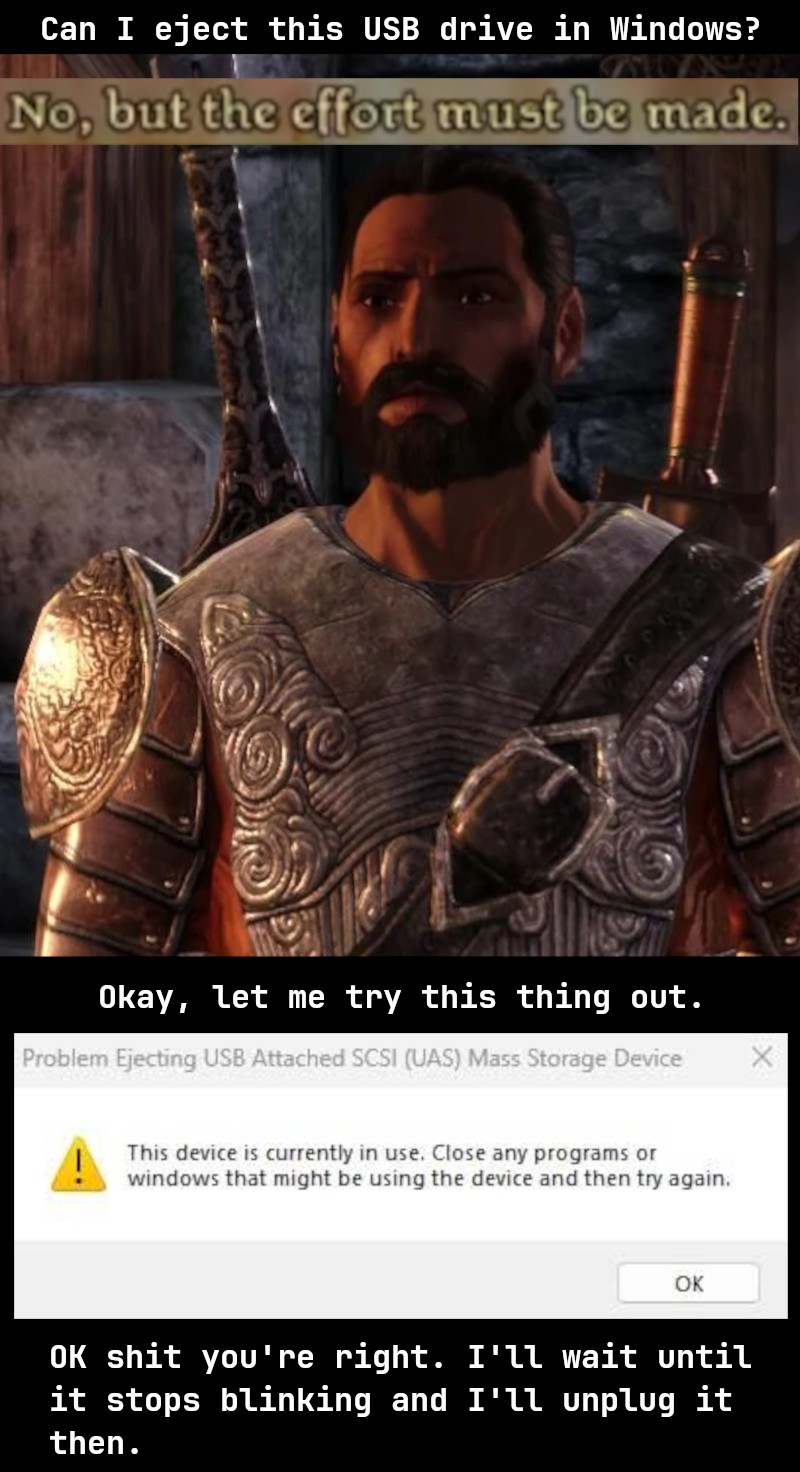
I thought windows stopped doing the cache thing with some windows 7 updates, making the "unsafe unplug" kind of a myth.
Funny thing, I've specifically enabled direct writes on all of these USB hard drives with the Windows drive tool thing. They all behave well.
Except this HDD that I use for Steam games. The external HDD one that I use the most. (Murphy's Law I guess.) I have specified it should write stuff directly. Most of times time I eject the drive, it gives the above error anyway and I have no idea which program is blocking it. (Last I tried one program that was supposed to be able to tell this, it said it was in use by Dropbox, which is stupid, because I explicitly told Dropbox not to screw with USB drives, and by far, it doesn't.) And the infuriating thing is that sometimes it just ejects okay and I have no idea why.
It is. I've tried to break it in the past, but it is damn hard to do.
Even unplugging while it is actively writing just causes a single corrupted file. You can deleted it and start over.
But I do believe it depends on how it is formatted. There would most likely be a bigger problem if it was FAT32.
Other OSes like Mac do still cache and it can mess up everything if not ejected properly.